
Improving Swing With Simulator Data: A 2026 Guide
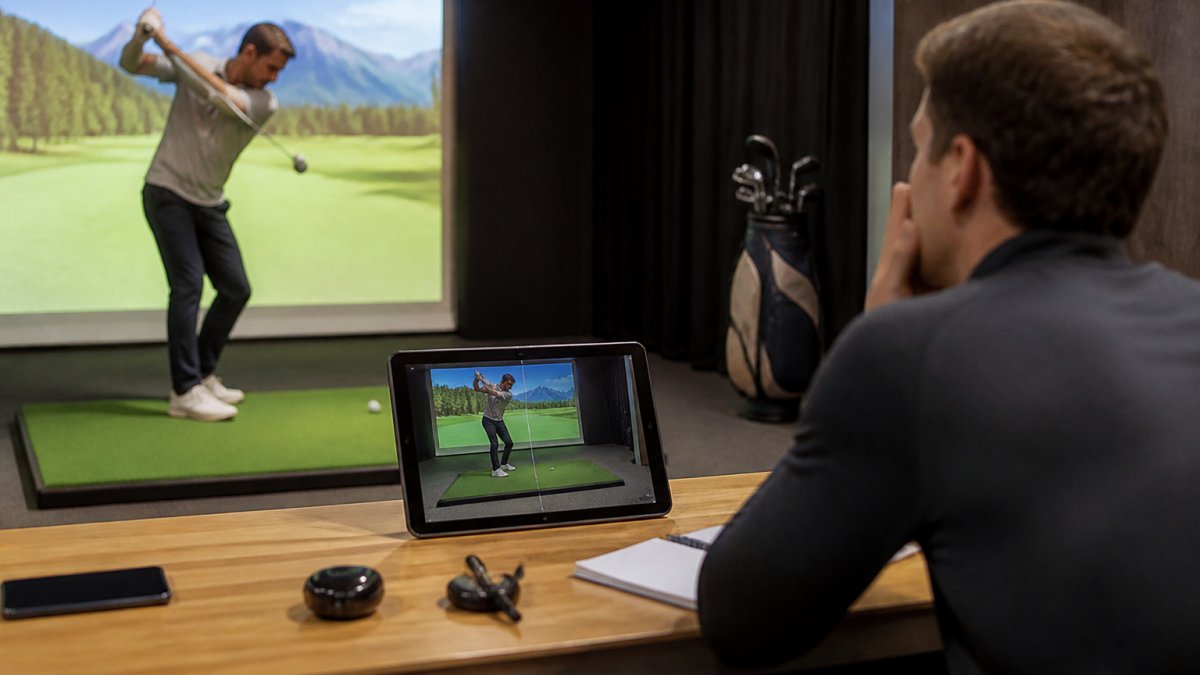
Table of Contents
- Why Simulator Data Transforms Your Golf Practice
- Golf Launch Monitor Numbers Explained: Which Metrics Actually Matter
- Building a Golf Simulator Practice Routine That Works
- Indoor Golf Practice Drills That Fix Common Swing Faults
- How to Improve Golf Swing Speed With Simulator Feedback
- Tracking Progress Between Simulator Sessions
- Accuracy and Reliability: What Simulator Data Really Tells You
- Frequently Asked Questions
Last Updated: October 21, 2026
Why Simulator Data Transforms Your Golf Practice
Improving swing with simulator data is no longer a luxury reserved for tour professionals.
The difference between guessing and knowing is everything. On a real course, you hit a shot and watch it fly.
This is why serious golfers in Wyoming and across Michigan are building their off-season practice around simulators. When you can see the data, you stop wasting time on the wrong fixes.
Golf Launch Monitor Numbers Explained: Which Metrics Actually Matter
Launch monitors generate dozens of data points. Most of them don't matter for your improvement. Understanding which ones do is the foundation of improving swing with simulator data effectively.
The metrics that drive your shot outcome fall into three categories: delivery (how you're delivering the club), ball flight (what the ball does immediately after impact), and result (where the ball ends up).
Club Path and Face Angle: Diagnosing Your Slice
Club path measures the direction your club is moving through impact, measured in degrees relative to your target line. Face angle measures where the clubface is pointing at impact.
A slice happens when club path is moving right of target while face angle is even more right. The ball curves left relative to the club path direction.
Smash Factor and Ball Speed: Power Efficiency
Smash factor is the ratio of ball speed to club head speed. It measures how efficiently you're transferring energy from the club to the ball.
Ball speed is the absolute velocity of the ball immediately after impact, measured in miles per hour. Two golfers with identical club head speed can have very different ball speeds if their smash factor differs.
Launch Angle and Spin Rate: Distance and Control
Launch angle is the vertical angle at which the ball leaves the clubface, measured in degrees above the horizon.
For a driver, optimal launch angle is typically 15-17 degrees for most golfers. Too low and you lose distance.
With irons, these metrics shift. The simulator shows you exactly where your numbers are and whether they're optimal for your swing speed and club selection.
Building a Golf Simulator Practice Routine That Works
Random practice in a simulator is better than no practice, but structured practice is exponentially better. A golf simulator practice routine needs three components: warm-up, focused work, and competition rounds.
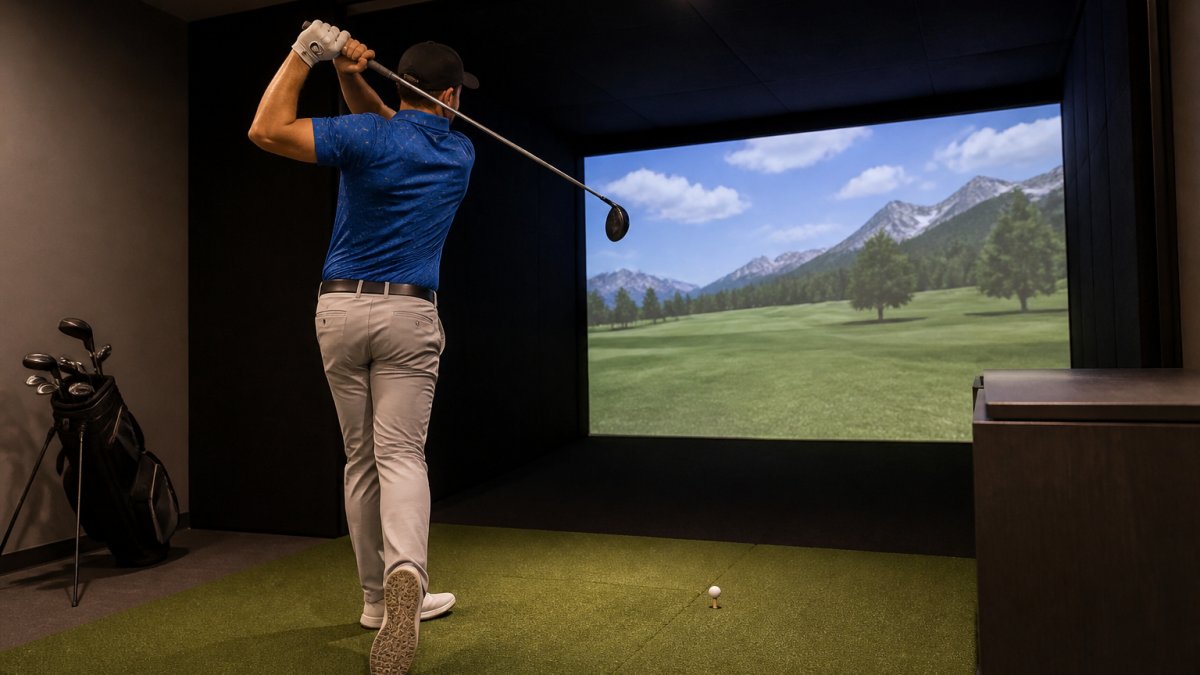
Structure: Warm-Up, Focused Work, Competition Rounds
Start every session with a 10-minute warm-up. Hit balls with your driver, then move through your mid-irons and wedges. Don't obsess over the data during warm-up.
Spend 20-30 minutes on focused work. This is where improving swing with simulator data happens. Pick one metric you're targeting.
Finish with a 15-20 minute competition round. Play 9 holes or 18 holes against the simulator's course.
Frequency and Duration: How Often to Practice
Most golfers see measurable improvement with three to four simulator sessions per week, each lasting 45 minutes to an hour.
If you can only practice once or twice weekly, focus your sessions entirely on one or two specific metrics.
The advantage of 24/7 facility access in Wyoming is that you can practice on your schedule. A night shift worker can come in at 2 AM.
Indoor Golf Practice Drills That Fix Common Swing Faults
Drills in a simulator are more effective than drills on a range because you get immediate, objective feedback. You know whether the drill is working or not.
Slice-Fixing Drill: Target Club Path and Face Angle
Set your simulator to display club path and face angle prominently. Hit 20 shots, focusing entirely on moving your club path closer to the target line.
After 20 shots of path focus, switch to face angle. Hit another 20 shots concentrating on closing the face.
Finish with 10 shots where you focus on both simultaneously. The data tells you whether you've actually fixed the slice or whether you've just moved one problem and created another.
Consistency Drill: Reducing Shot Dispersion
Hit 10 shots with the same club, aiming at the same target. Look at where the shots land. Ideally, they cluster tightly. If they're scattered, your swing is inconsistent.
Repeat this drill weekly. Over time, your shot pattern should tighten. This drill directly measures improving swing with simulator data in terms of repeatability, which is the foundation of scoring consistency.
Distance Control Drill: Mastering Yardage Gaps
Pick a target distance, say 150 yards. Hit 15 shots trying to land within 5 yards of that target. The simulator measures carry distance precisely.
Repeat this drill for different distances: 100 yards, 125 yards, 175 yards, 200 yards. Most golfers have gaps in their distance control. This drill closes those gaps and builds confidence on the course.
How to Improve Golf Swing Speed With Simulator Feedback
Increasing club head speed is one of the most direct ways to add distance. The simulator measures it objectively, so you know whether your attempts to increase speed are actually working.
Smash Factor vs. Raw Speed: What to Optimize
If you're swinging at 85 mph and your smash factor is 1.42, you have two ways to increase ball speed: swing faster or improve smash factor.
Hit 10 shots focused on pure contact and solid strikes. Don't swing harder. Focus on center face contact and smooth tempo. Watch your smash factor.
After you've maximized smash factor, then work on swing speed.
Progressive Speed Work: Safe, Measurable Gains
Start with your normal swing speed. Record it. In your next session, focus on increasing speed by 1-2 mph while maintaining smash factor.
Increase speed gradually over weeks, not days. A 5 mph increase in club head speed over a month is sustainable.
Track your speed gains alongside your smash factor and consistency. If speed goes up but consistency goes down, slow down the progression.
Tracking Progress Between Simulator Sessions
Data is only useful if you track it over time. A single session's numbers mean nothing. Trends across weeks and months tell the real story.
Baseline Metrics and Monthly Benchmarks
In your first session, record your baseline metrics for each club: average club head speed, average smash factor, average ball speed, average launch angle, average spin rate.
Every month, run the same test. Same clubs, same target, same number of shots. Compare this month's averages to last month's.
Most golfers see measurable improvement within 4-6 weeks of consistent simulator practice. Club head speed typically increases 2-3 mph. Smash factor improves slightly. Consistency tightens.
From Simulator to Real Course: Validating Your Improvements
The ultimate test is whether simulator improvements translate to real course performance. After 6-8 weeks of focused simulator work, play a real round and track your scores.
Many golfers see immediate improvement.
The simulator is a training tool, not a substitute for course play. Use it to identify problems and build new patterns. Validate those patterns on the course.
Accuracy and Reliability: What Simulator Data Really Tells You
Simulator data is highly accurate for measuring what happens at impact.
Understanding this distinction is critical. Use simulator data to improve your swing mechanics. Use real course play to learn course management and scoring.
Full Swing simulators, like those available at Open Tee Golf in Wyoming, use camera-based technology to measure club and ball data with high precision.
Improving your golf swing requires knowing what to fix. At Open Tee Golf, our Full Swing simulators provide military-grade shot tracking in private, climate-controlled bays available 24/7.
Frequently Asked Questions
How can I use golf simulator data to improve my swing?
Golf simulator data reveals exactly what your club and ball are doing at impact. Use launch monitor metrics like club path and face angle to diagnose faults (like slices), smash factor to measure power efficiency, and spin rate to optimize distance. Compare your data session-to-session to track whether specific drills are working. The precision feedback lets you make micro-adjustments that would be impossible to detect on a real course, then validate those improvements when you play outdoors.
Which golf launch monitor numbers matter most for improving your swing?
Start with these four: club path (direction your club is moving at impact), face angle (where the clubface is pointing), smash factor (ball speed divided by club speed), and spin rate. Club path and face angle diagnose directional problems like slices. Smash factor shows whether you're transferring energy efficiently. Spin rate affects distance and trajectory. Launch angle also matters for optimizing carry distance. Ignore vanity metrics early on; focus on the numbers that directly explain your misses.
How often should I practice on a golf simulator to improve?
Most golfers see measurable progress with 2-3 focused sessions per week, 45-60 minutes each. Consistency beats volume. One 60-minute session with deliberate drills targeting specific faults outperforms three unfocused hours. Off-season months are ideal for building a routine because you have no course pressure. Track metrics weekly to spot trends; monthly benchmarks reveal real improvement. Beginners benefit from more frequent practice; competitive players often refine with fewer, higher-intensity sessions.
Can a golf simulator help increase swing speed?
Yes, but the goal is smash factor, not raw speed. A simulator shows you both club speed and ball speed, revealing whether you're actually transferring energy to the ball or just swinging hard. Many golfers gain 3-5 mph in club speed through technique improvement and consistency. Progressive speed drills using simulator feedback are safer than guessing on a range. However, expect gains in efficiency first; raw speed gains come from swing mechanics and conditioning, not the simulator itself.
How accurate are golf simulator swing measurements?
Full Swing simulators use military-grade shot tracking technology with accuracy within 1-2% for club speed, ball speed, and launch angle. Face angle and club path measurements are highly reliable for diagnosing swing faults. The simulator won't replicate every variable of outdoor play (wind, elevation, turf interaction), but the data on your mechanics is precise enough to build a real improvement plan. Consistency matters more than absolute accuracy; if your metrics improve session-to-session, your swing is actually improving.
What is a good indoor golf practice routine for swing improvement?
Structure your session in three phases: warm-up (10 minutes, light swings with different clubs), focused work (30-40 minutes on one specific fault using targeted drills), and competition rounds (10-15 minutes playing simulated courses under pressure). This routine builds muscle memory, diagnoses problems, and tests improvement under realistic conditions. Rotate your focus weekly, one week on club path, the next on distance control. Track your data each session so you see whether your drill work is actually changing your metrics.
How should I track progress between simulator practice sessions?
Record baseline metrics in your first session: average club speed, smash factor, dispersion (how spread out your shots are), and any specific fault numbers (like club path for a slice). After each session, log the same metrics. Plot them weekly to spot trends. Monthly, compare your current averages to your baseline. Real improvement shows as tighter dispersion, higher smash factor, or corrected club path, not just longer distances. When you play outdoors, track your scores and note which simulator improvements translated to lower scores.
How is Full Swing simulator technology different for swing improvement?
Full Swing uses military-grade shot tracking with 24 cameras and radar, delivering accuracy that rivals professional tour equipment. This precision means the data you collect is reliable enough to build a real improvement plan on. The simulator also tracks hundreds of data points beyond the basics, so you can dive deep into swing mechanics. Private bays mean you practice without distraction or time pressure, letting you focus on deliberate drills rather than rushing through balls. Year-round, 24/7 access means you can practice when it fits your schedule, not when a course or range is open.